
ChatGPT onboarding starts with a real task, not a perfect prompt
OpenAI’s beginner framing for ChatGPT is simple: start a conversation, then use it for writing, brainstorming, and problem solving. The practical lesson is narrower and more useful: new users should bring a real task, ask for a draft, and learn to steer the system.
OpenAI’s “Getting started with ChatGPT” framing is intentionally plain: start a conversation, then use it to write, brainstorm, and solve problems.
That sounds almost too basic. But I think the beginner problem with ChatGPT is rarely access. It is the empty box.
People open the chat window and ask either something too vague, like “help me with marketing,” or something too performative, like a 900-word prompt copied from a thread. Both miss the point. ChatGPT is most useful when the first move is small, concrete, and connected to work you were already going to do.
The first prompt should be a job, not a persona
The internet trained people to think prompting means costume design. “Act as a world-class strategist.” “You are a senior editor.” Sometimes that helps. Usually, the task matters more.
A better first ChatGPT session starts with a real artifact: a rough email, a meeting note, a product idea, a support complaint, a confusing paragraph, a spreadsheet question, a list of options. Then ask for one clear operation. Rewrite this for a customer. Find the weak assumptions. Turn this into three launch messages. Explain this policy in plain English.
OpenAI’s beginner guide points at writing, brainstorming, and problem solving. Those are not three magic modes. They are three ordinary loops: generate, reshape, decide. The useful skill is learning which loop you are in.
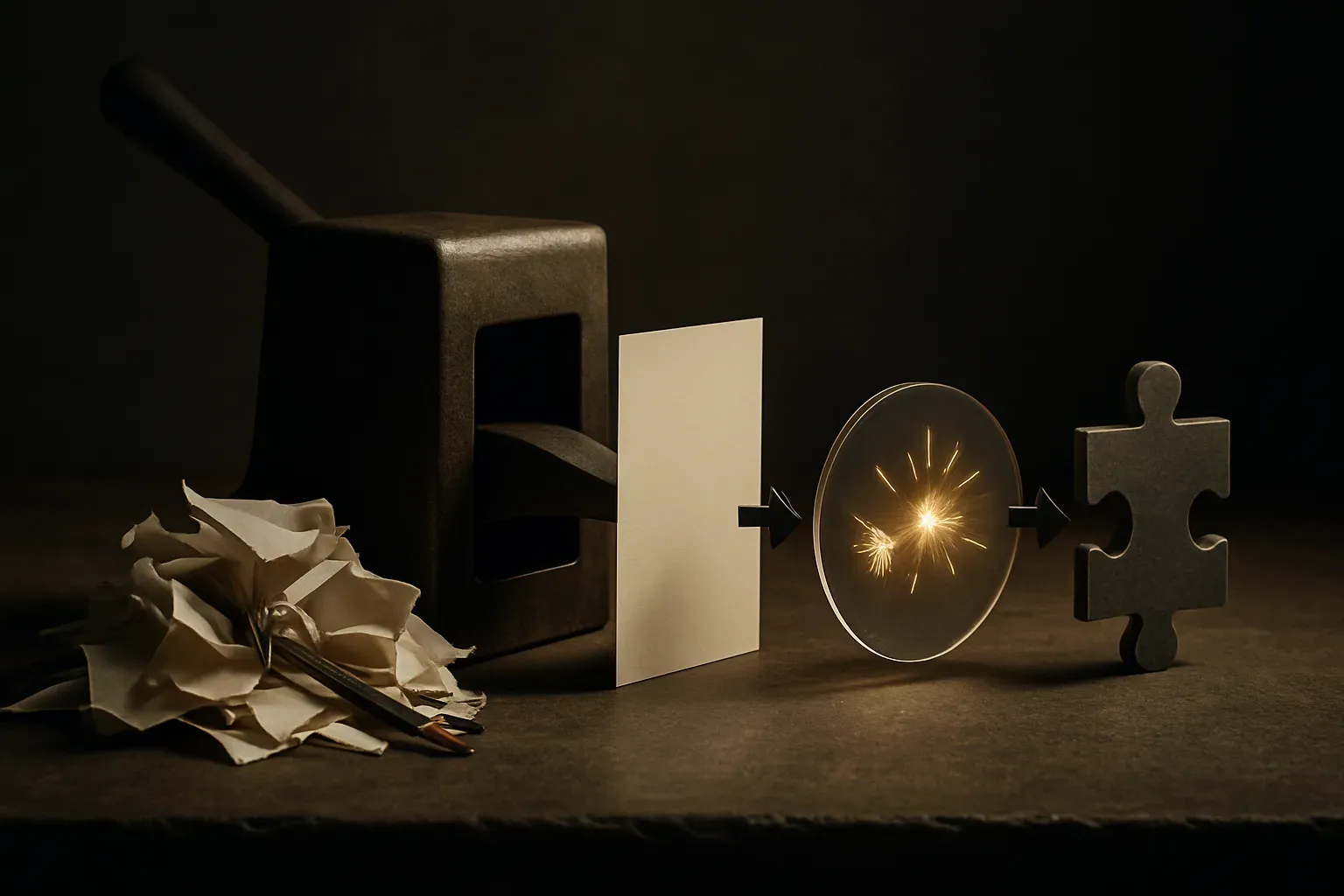
The biggest improvement for new users is not a better model. It is a better input. Give context. Give constraints. Give the desired output shape. Say what bad looks like. Then respond to the answer like you would respond to a junior teammate: “closer, but shorter,” “keep the tone, cut the claims,” “give me objections,” “now make it specific to CFOs.”
Treat the answer as a draft with momentum
ChatGPT is dangerous when people treat it as an oracle. It is useful when they treat it as a draft engine.
That distinction matters. A draft can be wrong, generic, too confident, or slightly off. A draft still saves time if it gives you something to react to. Blank-page removal is real. So is shallow slop. The difference is whether the user stays in the loop.
For writing, I would not ask ChatGPT to “write the final.” I would ask it to produce options, compress a messy note, change the tone, or identify unclear sections. For brainstorming, I would ask for breadth first, then force tradeoffs. For problem solving, I would ask it to expose assumptions, outline paths, and name what information is missing.
That last move is underrated. Beginners often ask ChatGPT for answers when they should ask it for questions. “What would you need to know before giving a recommendation?” is a stronger prompt than “what should I do?” It turns the chat from answer vending machine into thinking partner.
The product lesson hiding in beginner docs
Beginner docs are easy to dismiss, but they reveal where the product still expects users to do work. ChatGPT has a simple interface, but the user has to supply intent, context, taste, and judgment. That is a lot.
This is why applied AI products keep wrapping chat inside narrower workflows. A blank chat box is flexible. A guided workflow is easier to trust. The best tools will probably combine both: a conversational surface when you need exploration, and structured steps when the job is repeatable.
For builders, that means “add chat” is not the product strategy. The strategy is deciding where conversation helps. If the user knows the job and needs transformation, chat works. If the user does not know the next step, the product needs scaffolding. Examples, templates, constraints, memory, previews, approvals. Less mystery, more grip.
Practitioner’s take: start with one recurring task this week, not a grand AI rollout. Pick something small, like customer replies, meeting summaries, sales follow-ups, or internal explanations. Run it through ChatGPT five times, saving the prompts that produce useful drafts. The catch most teams miss: the reusable asset is not the prompt alone, it is the workflow around it, including what context goes in, who reviews the output, and what “good enough” means.