What Shield's Forge Agents Actually Do in Legacy IT Portals
OpenAI says Shield's Forge agents work legacy IT portals so technicians can hand off routine tasks, but the real story is what agents on brittle old systems can and cannot handle in practice.
TL;DR: OpenAI’s customer story on Shield describes agents that operate inside old IT portals so human technicians only touch the work that needs judgment, and the interesting part is not the demo, it is what it takes to make agents reliable on systems nobody wants to rebuild.
The primary source here is thin: a single OpenAI blog post titled “Shield helps technicians hand off legacy portal work with OpenAI.” It says Shield uses OpenAI models to help IT technicians hand off work in legacy portals, and that its Forge agents navigate systems so technicians can focus on issues needing judgment. That is roughly all the first-party detail we get. No pricing, no model named, no numbers on how much work gets handed off. So I am going to treat the announcement as a pointer to a real and underrated problem, not as proof of a solved one.
What is Shield actually claiming its agents do?
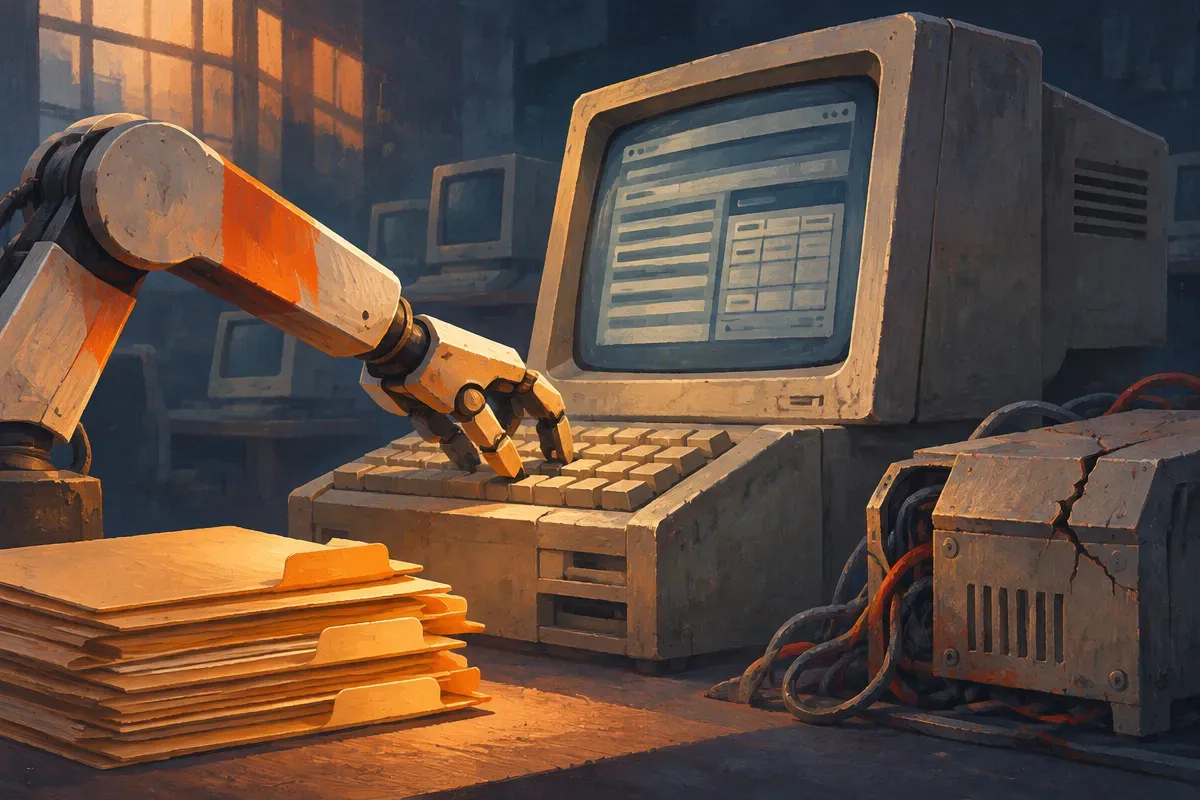
Strip the marketing and the claim is specific. Shield is not pitching a chatbot that answers IT questions. It is pitching agents, which it calls Forge, that go into legacy portals and perform the clicking, form-filling, and ticket work a technician would otherwise grind through by hand. The human stays in the loop for the hard calls. The agent eats the repetitive navigation.
That framing matters because “legacy portal” is doing heavy lifting. These are the internal admin tools, provisioning systems, and ticketing consoles that enterprises built a decade or two ago and never replaced. They have no clean API. They were designed for a human with a mouse. Most automation efforts die on contact with them because the old approach, brittle RPA scripts that break the moment a button moves, costs more to maintain than it saves.
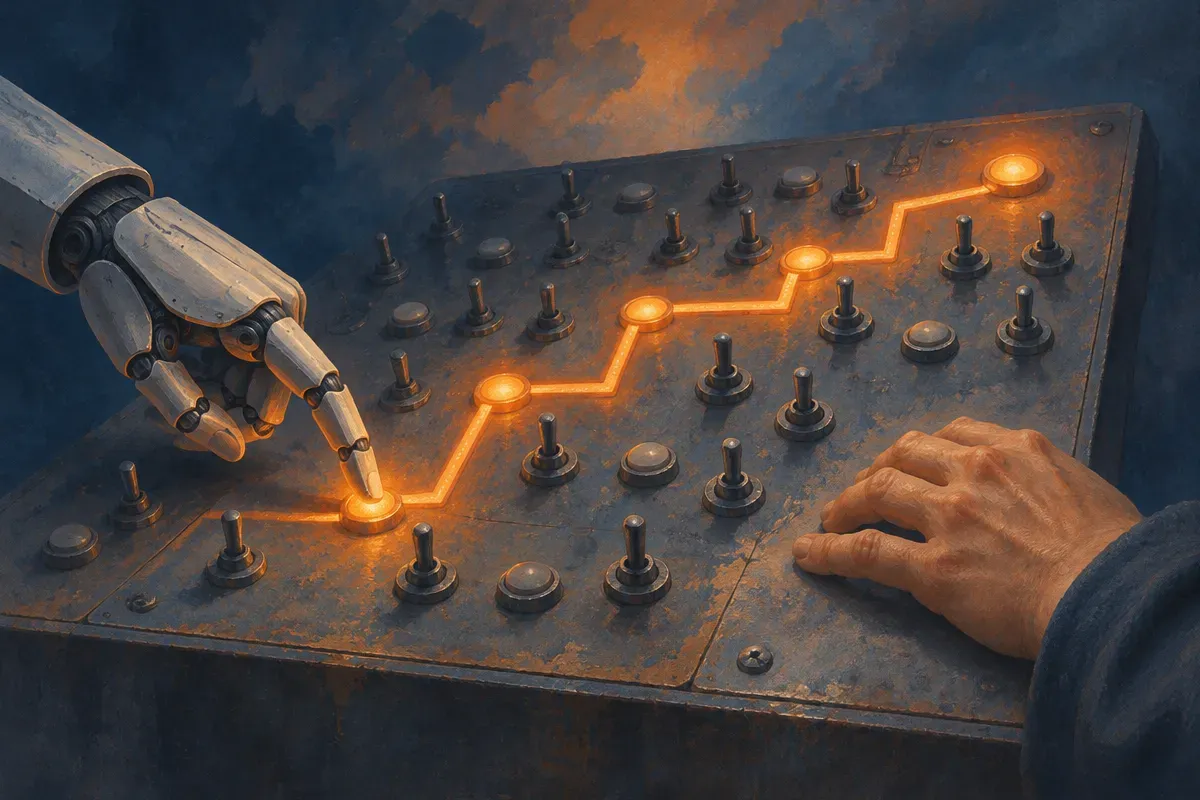
An agent that can look at a screen, reason about what it sees, and act is a genuinely different tool than a recorded macro. If it works, it degrades gracefully instead of shattering. That is the whole bet. OpenAI’s post does not show us the failure rate, so I will not pretend to know it.
Why do legacy portals break normal automation?
Here is the operator reality, and it is the part the announcement glosses. Old portals are hostile to automation in ways that look trivial until you hit them. Sessions time out. A modal dialog appears one time in twenty. The same action lives under a different menu depending on which region you provisioned in. A field validates silently and the submit button just does nothing.
Traditional RPA handles none of this well. You write a script against the happy path, it works in the demo, and three weeks later a vendor pushes a UI tweak and your whole fleet of bots is throwing errors at 2am. The maintenance tax is why so many “we automated our back office” projects quietly got turned off.
A model-driven agent can, in principle, handle the branching. It reads the actual screen instead of assuming coordinates. It can notice the modal and dismiss it. But “in principle” is carrying weight. Vision-and-action agents on real enterprise UIs still miss. They misread ambiguous labels. They act confidently on the wrong element. The difference between a demo and a deployment is almost entirely about what happens on the twenty percent of screens that do not match the script, and Shield’s post, reasonably, is a success story, not an incident report.
What separates a demo from something you can leave running?
This is where the handoff language in OpenAI’s post is smarter than it first reads. Shield is not claiming full autonomy. It is claiming the agent clears routine portal work and routes judgment calls to a technician. That is the correct shape for agents on brittle systems right now.

The engineering that makes this real is unglamorous. You need a confidence threshold so the agent knows when it is out of its depth. You need the agent to recognize a state it has not seen and stop rather than guess. You need an audit log, because in IT provisioning a wrong action can lock someone out or grant access that should not exist. You need a rollback story. None of that shows up in a customer testimonial, and all of it is the actual product.
The scope discipline matters too. An agent pointed at “reset password, provision standard laptop profile, close resolved tickets” is a tractable problem. An agent pointed at “handle IT” is not. The narrower the task surface, the higher the reliability, and the easier it is to measure whether the thing is actually saving time or just moving the toil from execution to supervision.
How should an operator read a story like this?
Carefully. OpenAI customer stories are marketing assets. They exist to show the models working in the wild, and they select for wins. That does not make them worthless. It tells you the category is live: companies are putting agents on legacy UIs and reporting enough value to go on record. But a blog post with no metrics is a signal, not evidence. I would want to see handoff rate, error rate on executed actions, and how much human review time the thing actually consumes before I believed a headcount claim.
The useful read is directional. Screen-operating agents are moving from “cool capability” to “deployed on the ugly internal tools nobody wants to touch.” That is a bigger deal than another coding assistant, because the legacy back office is where real enterprise hours get burned and where APIs do not exist to save you.
If you are evaluating this for your own stack, start where the blast radius is small. Pick one high-volume, low-stakes workflow in your worst portal. Password resets, status updates, standard provisioning. Instrument everything: log every action the agent takes, every handoff, every correction a human makes afterward. Run it in shadow mode first, where the agent proposes and a person approves, and only flip to autonomous on the specific sub-tasks that cleared a real accuracy bar over a few weeks of real traffic. The catch most readers miss is that the win is not “the agent does the work.” The win is the agent reliably knowing which work it should not do, and routing that cleanly to a human. Get the handoff wrong and you have not saved time, you have added a new thing to babysit. Get it right and you have finally automated the boring systems that defeated every tool before this one.