
PDFs can rank, but they are still a weak default for SEO
Google’s reported guidance on PDFs is a useful reminder: files can show up in Search and AI Mode, but operators should still make HTML the primary home for answers, conversion paths, and content that needs to keep earning visibility.
TL;DR: Treat PDFs as supporting assets, not the primary home for content that needs to rank, convert, or be reused by AI search systems.
Can PDFs rank in Google Search and AI Mode?
My primary source here is Roger Montti’s Search Engine Journal report, “Google Explains How They Rank PDFs And What It Means For SEO/GEO,” which says Google explained how PDFs rank in Search and AI Mode and how to check whether a PDF is SEO friendly.
That headline matters because a lot of teams still treat PDFs as either invisible to search or magically authoritative because they look official. Both instincts are wrong.
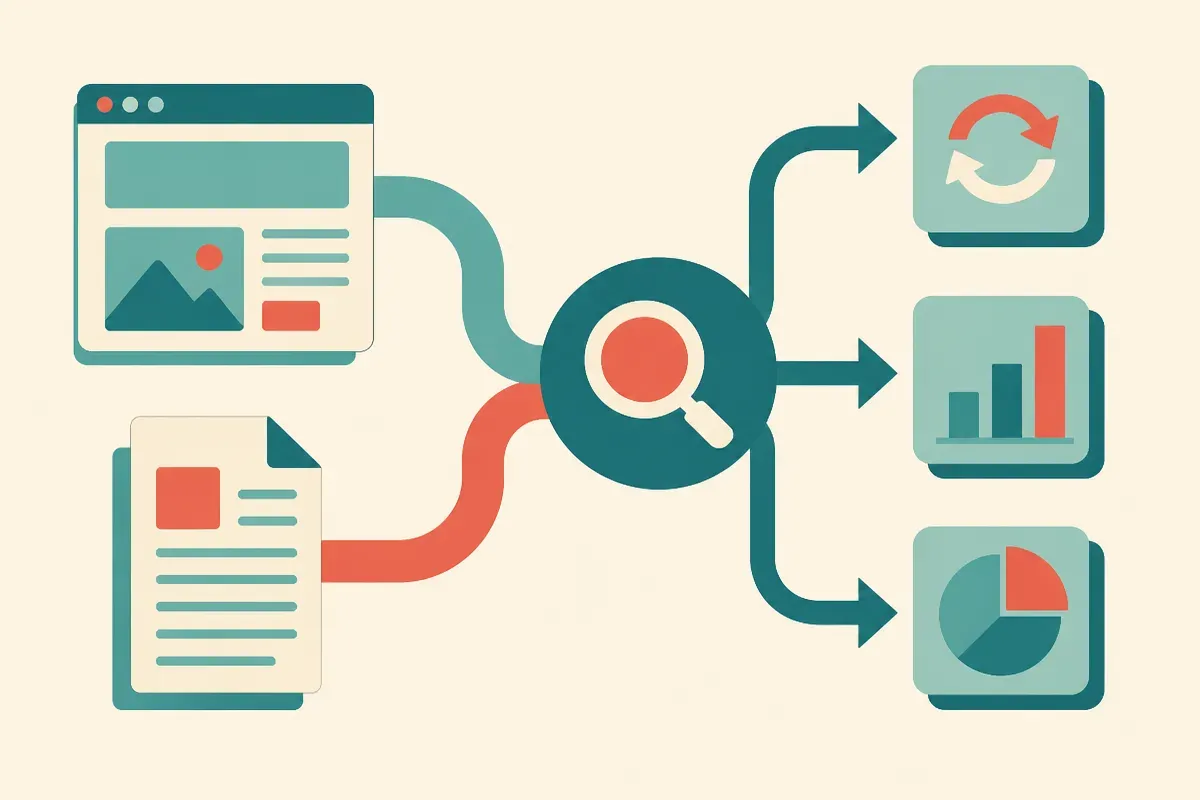
The useful middle ground is this: PDFs can be indexed and surfaced, including in AI-flavored search experiences, but that does not make them the best container for most web content. A PDF is a file. A web page is a system. Pages can be internally linked, updated in place, instrumented, templated, tested, and connected to a user journey without making the reader download or pinch-zoom anything.
That difference gets more important as search gets more answer-shaped. If Google’s AI Mode can reference PDF content, the immediate temptation is to dump more “knowledge” into PDFs and call it GEO. I would not. The better move is to make the answer available in clean HTML, then offer the PDF when the user actually needs a portable document.
What makes PDFs a bad default for SEO?
The SEO problem with PDFs is usually not that Google cannot see them. It is that teams cannot manage them well.
PDFs often become graveyards for useful content: product specs, pricing context, implementation guides, research, compliance notes, comparison tables, sales collateral. The information may be good, but the format works against iteration. Someone uploads version five, leaves version three live, forgets to update links, then wonders why prospects quote stale information.
HTML is just easier to operate. You can revise a section, add internal links, improve headings, add structured context, test calls to action, and watch behavior in analytics. You can also make the same core answer serve multiple paths: search visitor, returning customer, sales enablement, support agent, and AI retrieval.
I run Lucky Domains, where SEO and search visibility work often starts by turning orphaned assets into crawlable, useful site sections.
That does not mean PDFs are bad. They are great for contracts, one-sheets, forms, formal reports, spec sheets, print-friendly guides, and anything a buyer needs to save or circulate. The mistake is using a PDF as the only public version of content that should have a durable URL, a clear title, internal links, and a path to the next action.
What should builders change this week?
Start with the PDFs that already get traffic, links, sales usage, or customer questions. Do not boil the ocean. Pick the ten that matter.
For each one, ask a simple question: should this be a web page first and a PDF second? If the answer is yes, create an HTML version that gives the answer directly, uses plain headings, links to related pages, and keeps the PDF as a download for people who need the formatted artifact.
Then clean up the file itself. Use a clear filename. Make sure the title makes sense. Keep the content current. Link from the relevant page to the PDF, and from the PDF back to the relevant page if that fits the document. If there are old versions floating around, decide whether they should stay public.
The catch most readers miss: AI search does not remove the need for boring content operations. It raises the cost of neglect. If your best answer is trapped in an old PDF with no surrounding page, no update process, and no clear next step, you may still get found. You just made every downstream outcome harder.