On-device agents are a systems bet, not just a model release
Hugging Face’s LFM2.5-24B-A2B announcement points at a practical direction for private, low-latency agents, but builders should test the whole loop: model, tools, memory, hardware, permissions, and failure recovery.
TL;DR: The useful bet behind on-device agents is not “no cloud ever,” it is putting the right agent loops close to the user when privacy, latency, and cost matter more than maximum model capability.
What does “on-device agent” actually buy you?
The primary source here is the Hugging Face Blog post titled “Run fast, private agents on-device with LFM2.5-24B-A2B.” That title packs the whole pitch into four words: fast, private, agents, on-device.
I buy the direction. I do not buy the lazy version of the story.
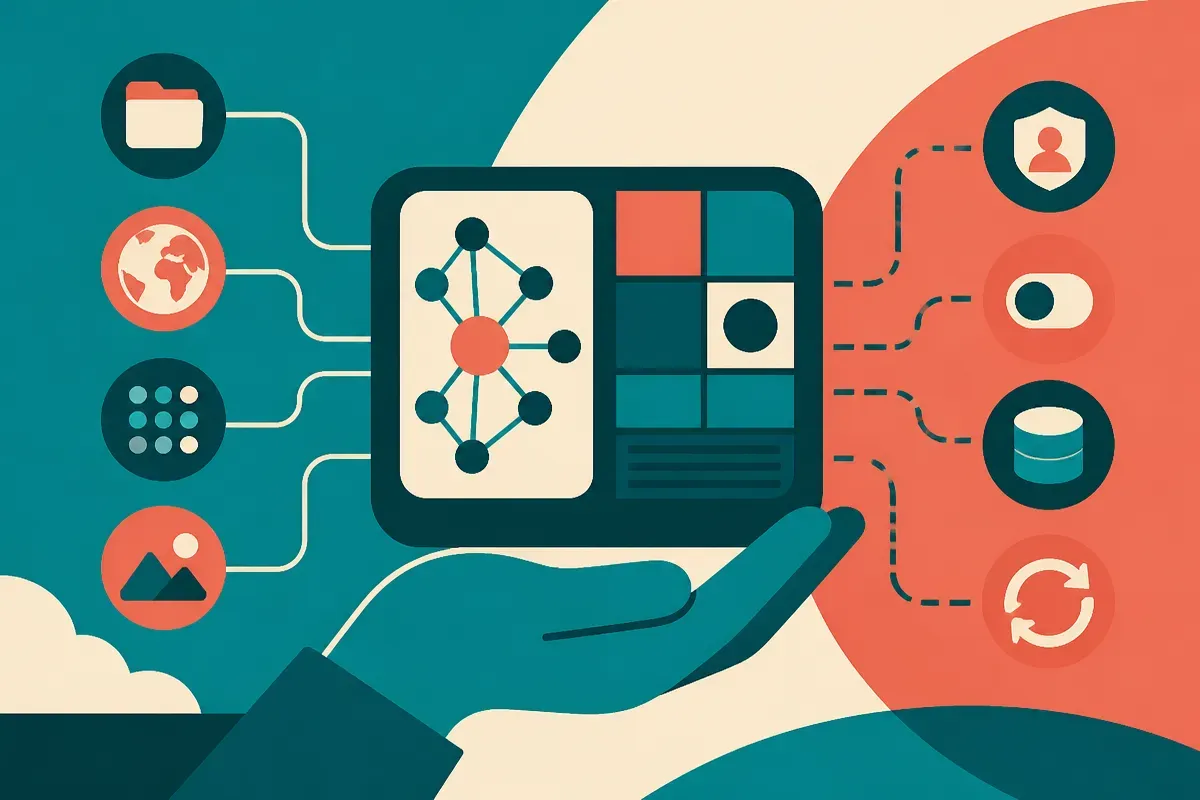
An on-device agent is not magic because the model runs locally. It is useful because some agent work is annoyingly sensitive, repetitive, and latency-bound. Think personal file search, local email triage, calendar cleanup, offline note organization, small code edits, device automation, and app-specific workflows where the user does not want every intermediate step shipped to a remote API.
That last part matters. Agents generate a lot of exhaust. They inspect state, call tools, rewrite plans, fail, retry, and sometimes reveal more in the scratch work than in the final answer. If that loop stays on the machine, the privacy profile changes. Not perfect privacy, but a smaller blast radius.
Latency also changes the feel. A cloud model can be smarter and still feel worse if every action waits on a round trip, tool call, and response stream. Local inference can make small agent steps feel instant enough to be ambient.
The catch is capability. A local model that is “good enough” for summarizing a folder may not be good enough for planning a multi-step workflow across messy apps. Agent quality is not one scalar. It is instruction following, tool use, state tracking, recovery after a bad call, and knowing when to stop.
Where should the cloud still stay in the loop?
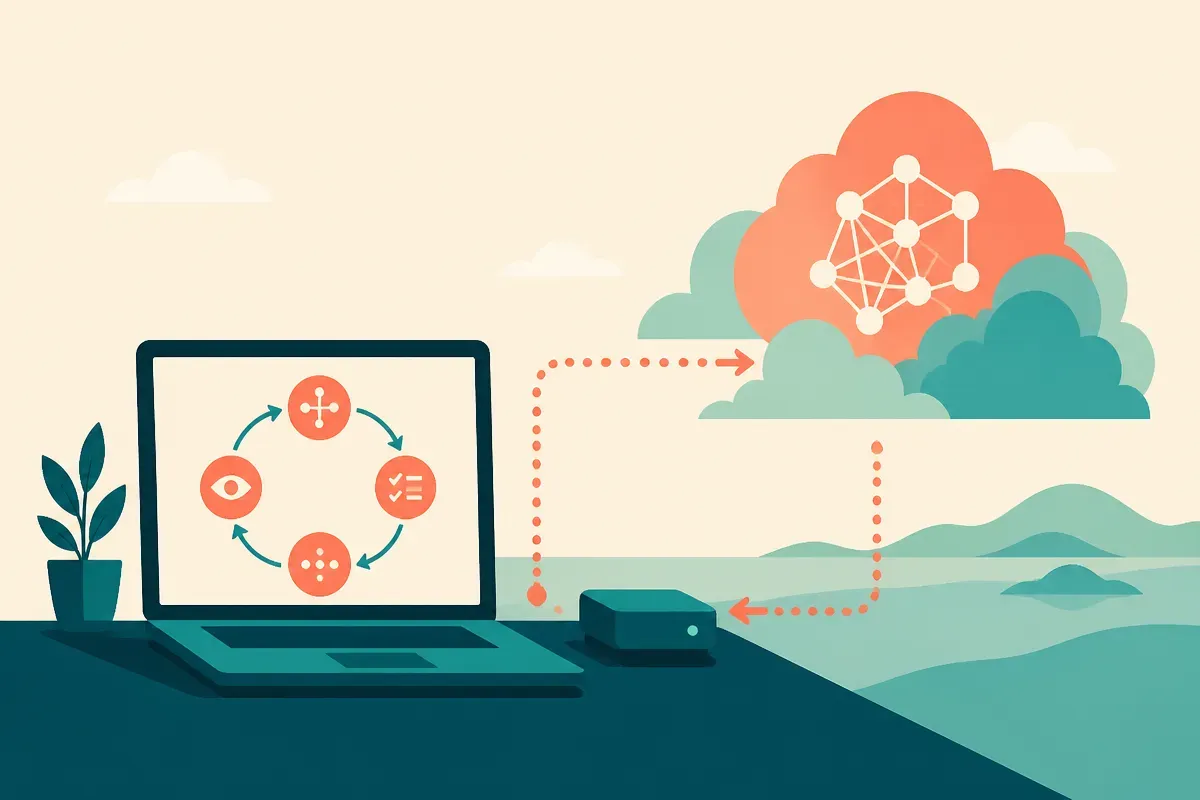
The practical architecture is hybrid.
Run the frequent, private, low-risk steps locally. Send the hard reasoning, high-context synthesis, or specialized tasks to a stronger remote model when the user approves it, or when the workflow policy allows it.
That means the product question is not “local or cloud?” It is “which parts of this loop deserve to be local?” For many workflows, the answer is obvious. Retrieval over local files should start local. Drafting a sensitive reply can start local. Extracting entities from a PDF can start local. Checking a legal contract, debugging a production outage, or reconciling conflicting evidence may still need a frontier model or a domain-tuned service.
This is where many agent demos cheat. They show one happy path. Real agents live in the exception path. The user changed a file. The app permission expired. The search result is stale. The model called the wrong tool with the right intent. The model produced a plausible plan that cannot execute.
A local model helps with speed and privacy, but it does not remove the need for guardrails. In some ways, it raises the bar. If the agent is running near user data and local tools, permissions need to be boring and explicit. File access, shell access, browser control, contacts, email, and calendar writes should not sit behind one vague “allow” button.
What should builders test before getting excited?
Do not benchmark only tokens per second. Benchmark the loop.
Take one workflow and measure completion rate, correction rate, average steps, failed tool calls, and user interventions. Then run the same workflow with local-only, cloud-only, and hybrid routing. The winner may surprise you. The local version may be cheaper and more pleasant for 70% of cases. The cloud version may rescue the 30% that would otherwise make users stop trusting the product.
Also test memory separately. A local agent with sloppy memory can leak context across tasks in ways that feel creepy even if no data leaves the device. Privacy is not just transport. It is retention, visibility, deletion, and user control.
My practitioner’s take: start with one narrow workflow where local context is the product advantage, not a gimmick. Build it with a local model path, a cloud escalation path, and logs that show where the agent fails. The missed catch is that “on-device” is not a feature users understand by itself. They understand faster, cheaper, offline, and “my stuff stays here.” Make the architecture serve one of those promises, then prove it in the workflow.