
OpenAI’s Python SDK gets key expiration controls, not just new image hooks
OpenAI’s September Python SDK releases add GPT Image 2.5 support on the client side and, more importantly for operators, service account key expiration fields and controls. The useful move is not hype around images. It is making API credentials easier to govern.
TL;DR: OpenAI’s latest Python SDK changes are small, but the service account key expiration work is the part builders should treat as operationally important.
What actually changed in openai-python?
The primary sources are OpenAI’s GitHub release notes for openai/openai-python v3.10.0 and openai/openai-python v3.11.0.
On September 8, openai/openai-python v3.10.0 added two API-facing changes: “GPT Image 2.5 models and image options” in issue #3824, and “service-account API key expiration fields” in issue #3802. One day later, openai/openai-python v3.11.0 added “expiration controls for service account keys” in issue #3825.
That is the whole confirmed story from the first-party release notes. No pricing. No public availability details. No capability claims for GPT Image 2.5. No benchmark. No launch blog.
So I would not treat this as an image model announcement. I would treat it as the Python client catching up to API surface area that OpenAI wants developers to use. The image hook may matter if you are already building around OpenAI image generation. The service account key work matters if you run anything in production.
Why do key expiration controls matter more than the image bullet?
Because API keys are still one of the most boring ways AI systems fail.
A long-lived key lands in a CI variable, a local .env, a contractor laptop, a forgotten staging app, or a private repo that does not stay private forever. Then the question becomes: who owns it, what can it touch, and when does it die?
Expiration fields and expiration controls do not solve all of that. They are not a full identity system. They do not replace secret scanning, least privilege, billing alerts, audit logs, or a sane revoke process. But they give teams a basic control that should have been default for machine credentials years ago: time.
The sequence is also interesting. OpenAI added service account key expiration fields in v3.10.0, then expiration controls in v3.11.0 the next day. That suggests this is not just metadata showing up in a response. It is becoming something developers can manage through the API client.
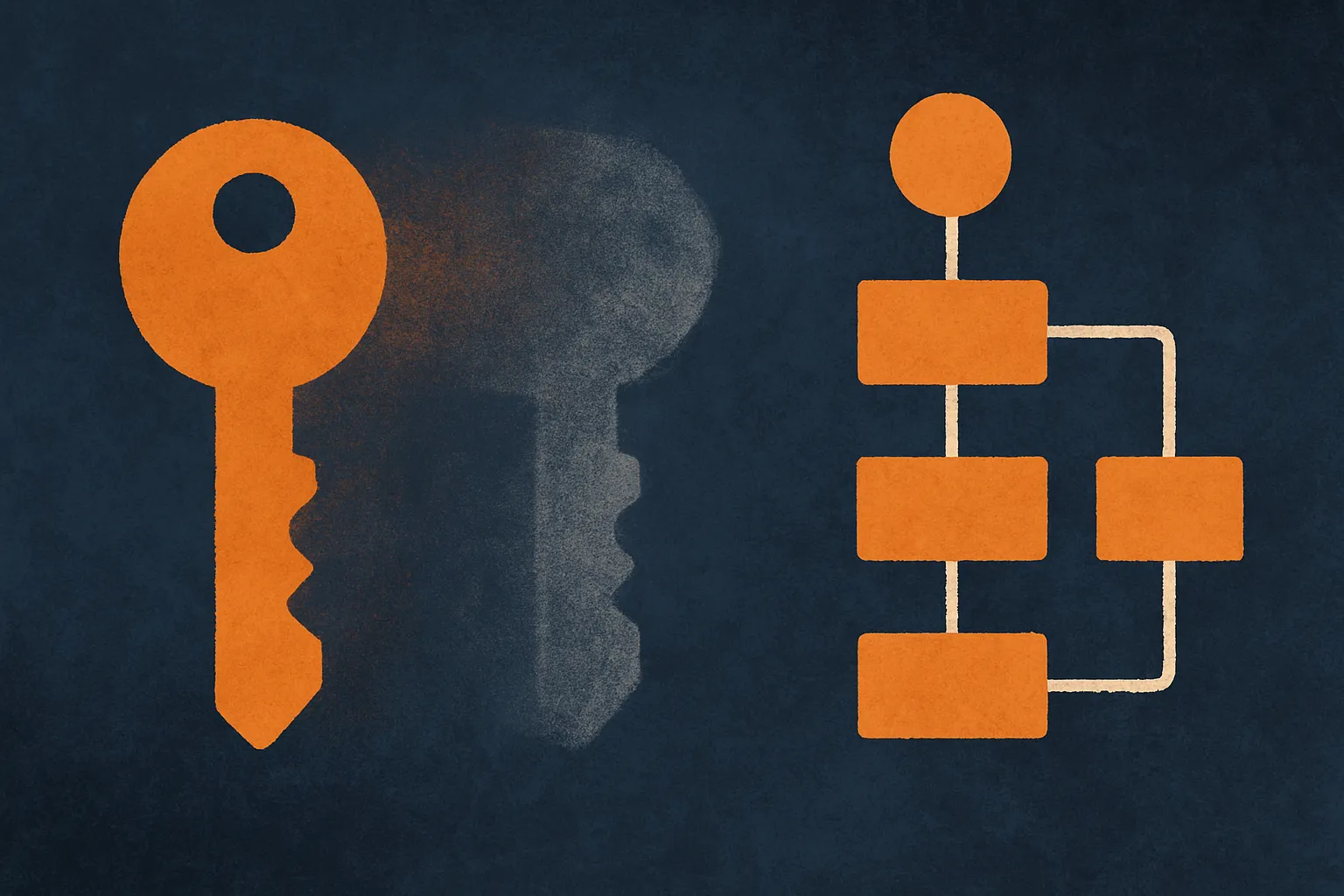
The practical read: service accounts are moving closer to first-class operational objects. That is good. Human-owned API keys pasted into production jobs are a smell. Service accounts with planned rotation windows are boring in the best way.
What should builders do with this now?
First, do not rush to wire GPT Image 2.5 into a customer path based only on an SDK release note. If OpenAI publishes product docs or an announcement with availability, limits, and behavior, use those first-party details. Until then, treat v3.10.0 as client support, not proof that your account, region, or workload can rely on a new image model in production.
Second, upgrade the SDK in a branch and inspect the changes where your app touches image generation and credential management. If you have typed wrappers around OpenAI calls, this is exactly the kind of minor release that can expose new fields you should either handle or explicitly ignore.
Third, make key expiration a policy, not a one-off cleanup. Pick a maximum lifetime for service account keys. Rotate keys before they expire. Track which service owns each key. Remove keys tied to dead experiments. Test the failure path so an expired key does not take down a customer workflow without a useful alert.
Practitioner’s take: I would use this release as a trigger for a small security chore. Inventory every OpenAI key in production, staging, CI, and local developer docs. Move recurring jobs toward service accounts where possible. Add expiration and rotation to the runbook. Then separately test the image SDK additions in a sandbox. The catch most teams miss is that new model support is optional, but credential hygiene is not.